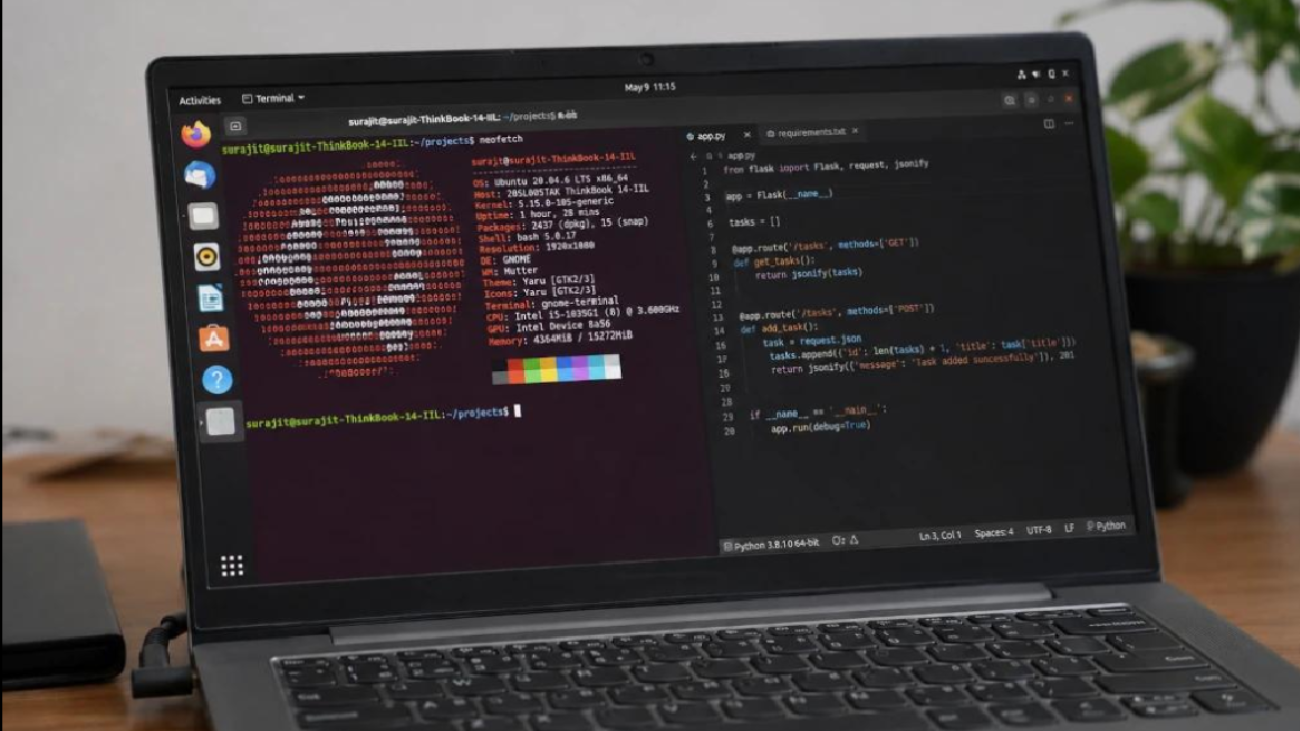
Linux for Beginners: Why You Should Learn It
Linux is one of the most important operating systems in the technology industry. It is widely used in servers, cloud computing, networking, cybersecurity, software development, and many other areas.
For beginners, Linux can look complicated at first. However, you don’t need to be an expert programmer to start learning it.
🐧 What Is Linux?
Linux is an open-source operating system. Unlike proprietary operating systems, Linux provides users with a high level of flexibility and control.
There are many Linux distributions, commonly called “distros.”
Popular examples include:
- Ubuntu
- Linux Mint
- Fedora
- Debian
- Arch Linux
- Kali Linux
Each distribution has different features and purposes.
💻 Why Is Linux Important?
Linux is extremely common in professional IT environments.
It is used for:
🌐 Web Servers
Many websites and web applications run on Linux servers.
☁️ Cloud Computing
Cloud platforms commonly provide Linux-based virtual machines.
🔐 Cybersecurity
Security professionals use Linux for network analysis, testing, and security tools.
👨💻 Software Development
Developers often use Linux because it provides powerful development tools and command-line utilities.
⌨️ Basic Linux Commands
Beginners should start with simple commands.
| Command | Purpose |
|---|---|
pwd | Shows current directory |
ls | Lists files |
cd | Changes directory |
mkdir | Creates a directory |
cp | Copies files |
mv | Moves files |
rm | Removes files |
You don’t need to memorize everything immediately. Practice using commands regularly.
🔑 Learn File Permissions
Linux uses permissions to control who can read, write, or execute files.
The three main permission categories are:
User → Group → Others
Understanding permissions is important for system administration and security.
🌐 Learn Networking
After learning basic commands, you can start exploring networking.
Useful topics include:
- IP addresses
- DNS
- Ports
- SSH
- Network interfaces
- Firewalls
These concepts become especially useful if you want to work in networking, cloud computing, or cybersecurity.
🧪 Practice Linux Safely
You don’t need to replace your main operating system immediately.
Beginners can practice Linux using:
- A virtual machine
- WSL
- A spare computer
- A cloud Linux server
This allows you to experiment without affecting your main system.
Linux Tip: Don’t be afraid of the command line. Start with simple commands and gradually increase the difficulty.
💼 Linux and Career Opportunities
Linux knowledge can support careers such as:
- System Administrator
- DevOps Engineer
- Cloud Engineer
- Cybersecurity Analyst
- Network Engineer
- Software Developer
You don’t need to master Linux before applying for beginner-level roles. Basic knowledge can already be useful.
Final Thoughts
Linux is a valuable technology skill that can support many different career paths.
Start with basic commands, understand files and permissions, learn networking, and practice regularly.
The more you use Linux, the more comfortable the command line will become.